Saving6 min read
How to save a product from Sephora, Mecca, or anywhere else
Paste a shop link into Beauty Board. It brings over the details the page makes available, then you review them and put the product on a board or list.
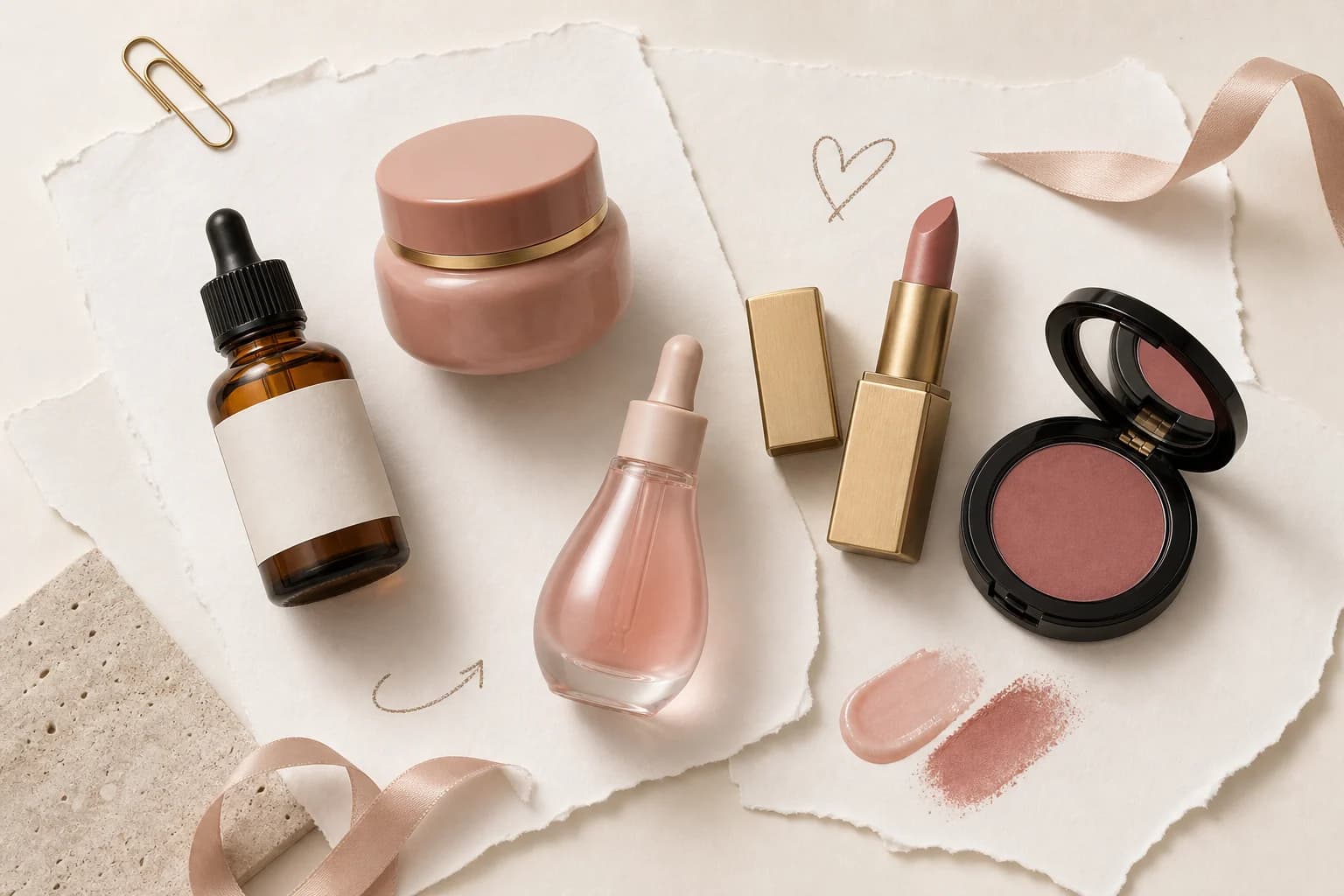
To save a product, open the product's own page, copy the link from the address bar, and paste it into Beauty Board. That is the whole capture step. Beauty Board reads what the shop published, turns the photo into a clean packshot, and leaves you a record you can find again: brand, name, shade, shop, photo.
This is a walkthrough of doing it properly: which link to copy, what usually comes across, what to check before you trust it, and where to put the product once it is saved.
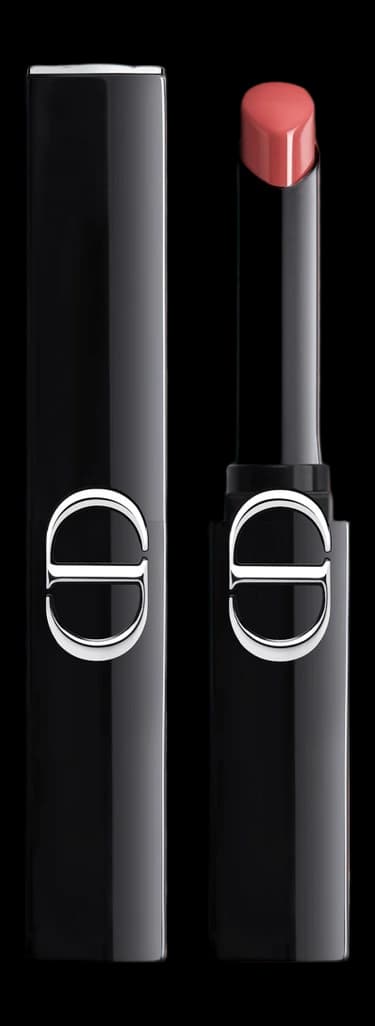
Dior
Rouge Dior On Stage
425 Wild Rosewood
Lip colour is a number and a name. File both, with the packshot of that bullet, not a campaign still of someone else's mouth.
Dior
How do you save a product from a shop page?
Open the product page, copy the URL, paste it into Beauty Board, review what came across, then place the product on a board, a wishlist, or a routine so it has somewhere to live.
The full sequence:
- Open the product's own page. Not the brand's landing page, not a category listing, not your search results.
- Copy the link from the address bar. On a phone, tap the address bar, then Copy. In a shopping app, use Share, then Copy Link.
- Paste it into Beauty Board.
- Wait for the details to come across. The name, brand, and photo appear, plus whatever else the page published.
- Read what it found and fix anything that is off, especially the shade or variant.
- Give it a status if you already know. Wishlist if you want it. Using if it is already on your shelf. Saved if you are just keeping hold of it. Tried if you have given it a go.
- Put it somewhere. A board for a look, a wishlist, a routine, a collection. The same product can sit in several of those at once.
Saving without placing is only a slightly nicer bookmark. The point of Beauty Board is the record and the arrangement.
Copy the product link, not the homepage or a search page
The most common reason a save comes back thin is the wrong link. A homepage link points at the shop, not the product, so there is nothing specific to read. A search results page is worse: it is a list that changes every time it loads.
You want the address that appears once you have clicked into the product itself. It usually carries the brand and product name in the URL, and it stays the same when you reload it. If you got there from an app's Share sheet, choose Copy Link rather than sharing the app's own preview.
One more thing worth doing at the moment of copying: if the product has shades or sizes, select the one you actually want first. Some shops put the chosen variant into the link, and then that choice travels with the product instead of getting lost.
What comes across when you paste, and what may not
Pasting a link from shops such as Sephora, Mecca, Adore Beauty, Ulta, Dermstore, or Priceline usually brings across the product photo, the brand, and the product name. Often the shade and the price come too. Beauty Board also processes the photo into a clean cutout packshot, so products from different shops sit together without a wall of mismatched backgrounds.
Shop pages vary, and some give up much less than others. That is not a fault in your link. Retailers publish product information in different ways, some hide details behind scripts that only run for a shopper, and some list a shade in a dropdown that is never written into the page itself. Extraction reads a public page. It cannot see what the page does not say.
Treat the result as a good first draft rather than a finished record. The details that most often need a hand are shade names, sizes, and any product sold as a set or a bundle, where the page describes several things at once.
Review before you trust it
This is the step most people skip, and it is the one that decides whether your collection is useful in six months. A record that says the wrong shade is worse than no record, because you will act on it.
Give every new save about ten seconds:
- Shade or variant. The single most common error. If the page offered a picker, confirm you got the shade you chose, not the default one the shop shows first.
- Size. A 30ml and a 100ml of the same serum are different purchases. Shops often publish only one, or the largest.
- Brand versus sub-brand. Some retailers file products under a parent brand, which makes them hard to find later under the name you actually use.
- Photo. Check you got the product, not a lifestyle shot, a swatch card, or the second product in a promotional set.
- Sets and bundles. If the page sells three items together, decide whether you want one record or three. Three is usually right if you will use them separately.
- The name itself. Retailer titles are often stuffed with marketing words. Trim it to what you would say out loud.
Fixing these at the moment of saving takes seconds. Fixing them later means finding the product again, which is exactly the problem you were trying to solve. That care is the difference between a pile of links and a collection you can keep every beauty product you own in one place with.
No usable link? Add the product by hand
Plenty of products never had a link worth saving. A sample, a gift, an old favourite that has been discontinued, something you found in a pharmacy while travelling, a product from a small brand whose site tells you almost nothing.
Add those by hand: the name, the brand, and a photo. Your own photo is genuinely fine here, and often better. It shows the product as it actually is, half-used and on your shelf. A manually added product sits alongside everything you saved from a shop, with no second-class section for it.
If a product exists in several shops and you have no strong preference, save the link from the shop you actually buy from. It keeps the record honest, and it means your list is not a wishlist stuck inside one retailer's account.
Put it somewhere, or you have only made a longer catalogue
Saving is capture. Curation is what makes capture useful.
Once a product is saved, give it a home:
- a board if you think visually, for a look, a colour family, or a shelf you want to see
- a wishlist for things you are considering
- a routine for what you actually use in the morning and at night
- a collection for the edited core you reach for
- a gift list when the point is someone else buying it
The same product can sit in several of those at once, because it is one record viewed different ways, not copies in folders. Everything stays private until you deliberately create a view-only share link, so there is no cost to saving something you are only half sure about.
Try it with the product you have open
If you have a product page open right now, that is the one to start with. Copy the link, paste it, read what comes across, correct the shade, and put it on a board. That is the whole loop, and it takes under a minute once you have done it twice.
Beauty Board is free to start and needs no card, so you can test the paste-and-review step on a real product before deciding whether it is worth keeping up.
Written by Beauty Board
Notes on saving and curating beauty from the Beauty Board team.