Saving2 min read
How to save beauty products from your camera roll
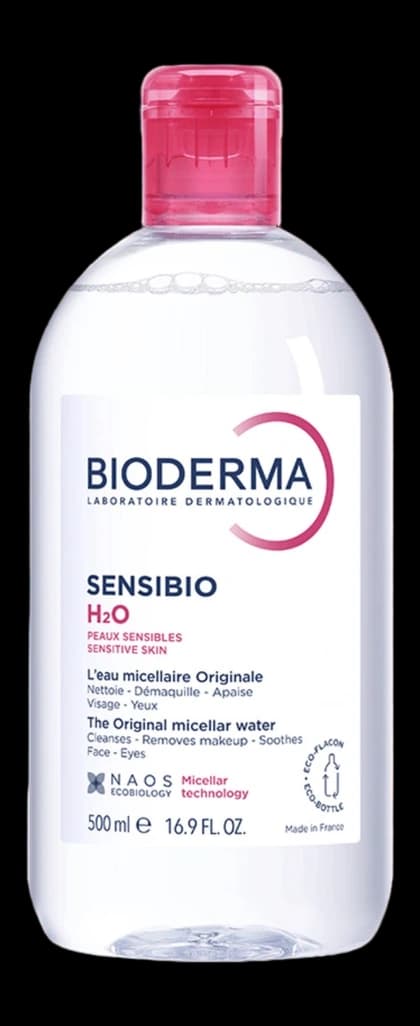
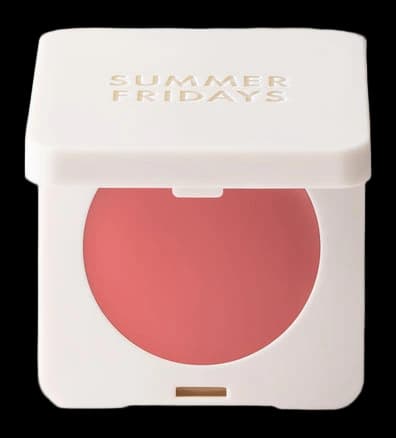
Work backwards through screenshots, paste any shop link you still have, and add the rest by hand. Delete the ones you no longer want.
The camera roll is where products go to be forgotten. A screenshot of a serum, a photo of a shelf, a story save of a lipstick: none of those are searchable by brand or shade. Work backwards through the last six months, save what you still want into Beauty Board, and delete the rest. That is the only way the roll becomes a catalogue.
Screenshots are a holding pen, not a home
You screenshot because it is fast. Fast is why the roll fills, and why you cannot answer "do I already want this" without scrolling. Pinterest has the same problem with pins, which is why Pinterest is a weak place to store products you actually buy. The camera roll is the private version of that board.
The rule after this pass: new products get pasted or added in the moment, not screenshotted "for later." Later is where they die.
Six months, newest first
Do not start in 2019. Filter to screenshots if your phone allows it, and walk backwards for half a year.
- Still want it, and you can find the shop page. Open the product, copy the link, paste it. Review the shade. Mark Wishlist or Using if you already bought it.
- Still want it, and there is no link. Add it by hand from the screenshot: brand, name, shade if you can read it. Keep the screenshot as the photo if it is the only one you have.
- Already own it. Find the record, or create it, and mark Using. Then delete the screenshot. You do not need both.
- No longer want it. Delete. This is the only pass where deleting is free and feels good.
Stop at six months unless you are enjoying it. Older screenshots are archaeology. The useful wants are recent.
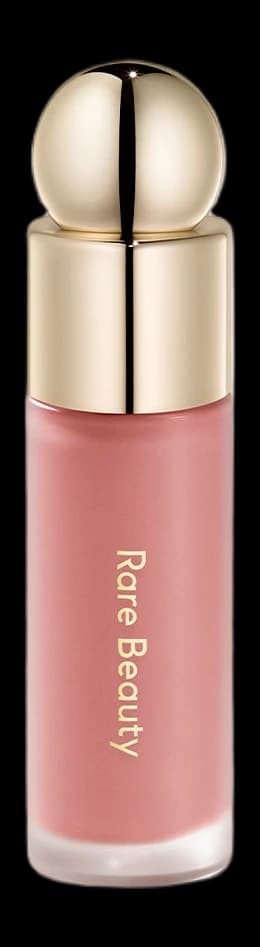
Rare Beauty
Soft Pinch Liquid Blush
Hope
The shade name is the whole product. A screenshot of the bottle will not tell you Hope from Joy six months later. Save the record, not the pin.
One screenshot, one product
A photo of four bottles on a table is four records, or it is nothing. Do not save a group shot as if it were a product. A story collage is worse. If you cannot tell which shade you meant, you will not be able to tell in the aisle either.
Shop ads that auto-saved themselves can go without ceremony. So can duplicates of the same bottle. The roll is allowed to get thinner.
Then stop screenshotting to remember
The habit that keeps the roll clean is the same as the rest of Beauty Board. See a product, paste the link, or add it by hand that day. A screenshot is a promise to do admin. The paste is the admin, already done.
If you want the longer first-time method, including the drawer and the shop wishlists, it is in keep every beauty product you own in one place. Tonight is only the camera roll. An hour, newest first, delete as you go.
Written by Beauty Board
Notes on saving and curating beauty from the Beauty Board team.